Sales & Intake

Walk consumers through their credit, live.

Your agents and intake staff pull the report with a phone number, then review it with the consumer on their own phone while you talk. They stop doubting the numbers because they can see them.

Pull with just a phone number. The consumer consents by text.

The trust gap

Numbers read aloud sound like a pitch.

"The consumer doesn't trust debt numbers I read over the phone." Every rep has heard the pause that follows. When the consumer can see their own report, the conversation moves from doubt to options.

“I'm reading from your report here: four cards and one collection. Does that sound right to you?”
Reading numbers over the phone: the consumer has to take your word for it.
“Open the link I just texted you. That's your report. Let's look at the first card together.”
With ClearView: the consumer is looking at the same report you are.

On the call

How a rep runs the conversation.

At a glance

  • Pull with a phone number. The consumer consents by text and verifies with a one-time passcode.
  • ClearView puts a redacted, synchronized view of the report on the consumer's phone.
  • Scorecast analysis and your notes stay on your screen only.
  • Score Simulator shows estimated outcomes, never guarantees.

Pull while you're still saying hello

Enter the consumer's phone number. They get a text, consent, and confirm a one-time passcode. Consumers rarely know every detail on the first call, so the phone pull keeps intake moving.

Explore Credit Reports

Send the link, review it together

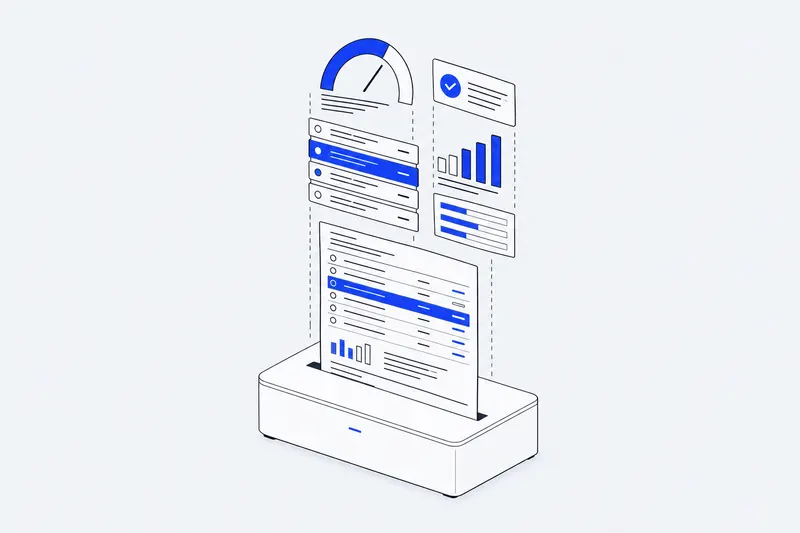
Send a ClearView link and the consumer sees their score, debts and masked account numbers on their phone, in sync with your screen. You point to an account, they see it.

Explore ClearView

Keep your analysis to yourself

Scorecast organizes debts by creditor and type and flags utilization and derogatory items. It is agent-only, so you can plan the next question without the consumer reading over your shoulder.

Explore Scorecast

Talk about what could change

Run a what-if on the call: pay down a card, settle a collection. The Score Simulator shows how the score could move so the consumer can compare paths.

Simulated scores are estimates, not guarantees.

Explore Score Simulator

What the consumer sees

Show the report. Keep the playbook.

ClearView is built for the live call, not for sending a PDF and hoping it gets read.

  • A redacted view

    Score, debts and masked account numbers. Enough to follow along, nothing they shouldn't have on a lock screen.

  • Synchronized with you

    The consumer's view follows the report you are reviewing, in real time.

  • Your notes stay private

    Scorecast and agent notes never appear on the consumer's phone.

Questions sales and intake teams ask.

What do I need from the consumer to pull a report?

A phone number is enough. The consumer consents by text and verifies with a one-time passcode. You can also pull with standard identifiers.

Can the consumer see my whole screen?

No. ClearView sends the consumer a synchronized, redacted view of their own report. Nothing else on your screen is visible to them.

Can the consumer see my Scorecast analysis?

No. Scorecast and agent notes are agent-only and never appear in ClearView.

What if the consumer calls back the next day?

Repeat pulls of the same consumer within 24 hours return the cached report, so you can pick up where you left off.

Are Score Simulator results guaranteed?

No. Simulated scores are estimates of how changes could move a score. Actual results depend on the consumer's full credit file.

See it on a live call.

Book a demo and we'll run a phone pull and a ClearView session with sample data, just like a real call.